9. UTXO Management
UTXOs are used for RGB asset binding and are essential for RGB operations.
9.1 Create a UTXO
-
Go to the
UTXO Managementpage. -
Click
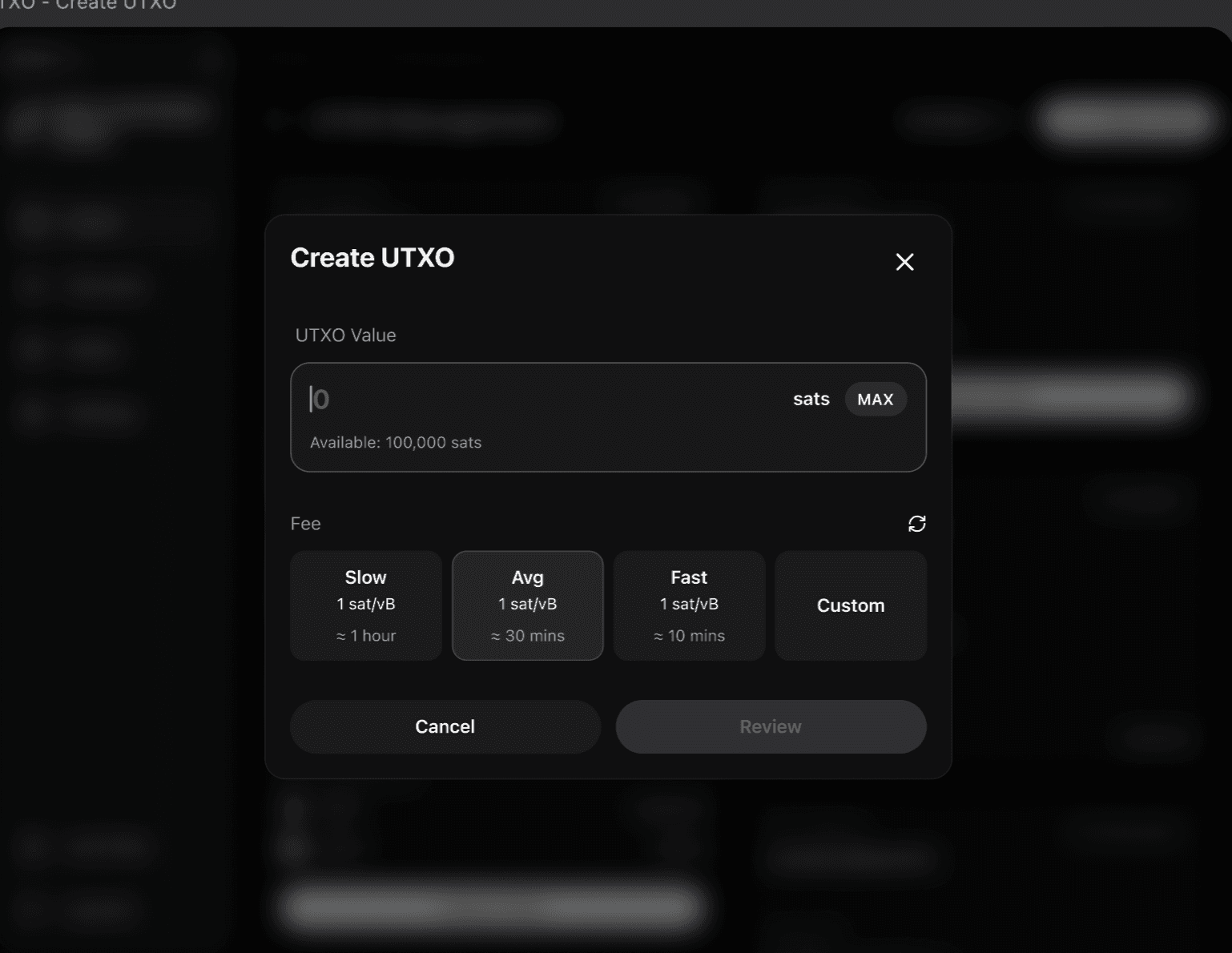
Create UTXO. -
Enter the amount and confirm the creation.
9.2 Unlock a UTXO
-
In the
UTXO Managementpage, select a UTXO that is no longer needed. -
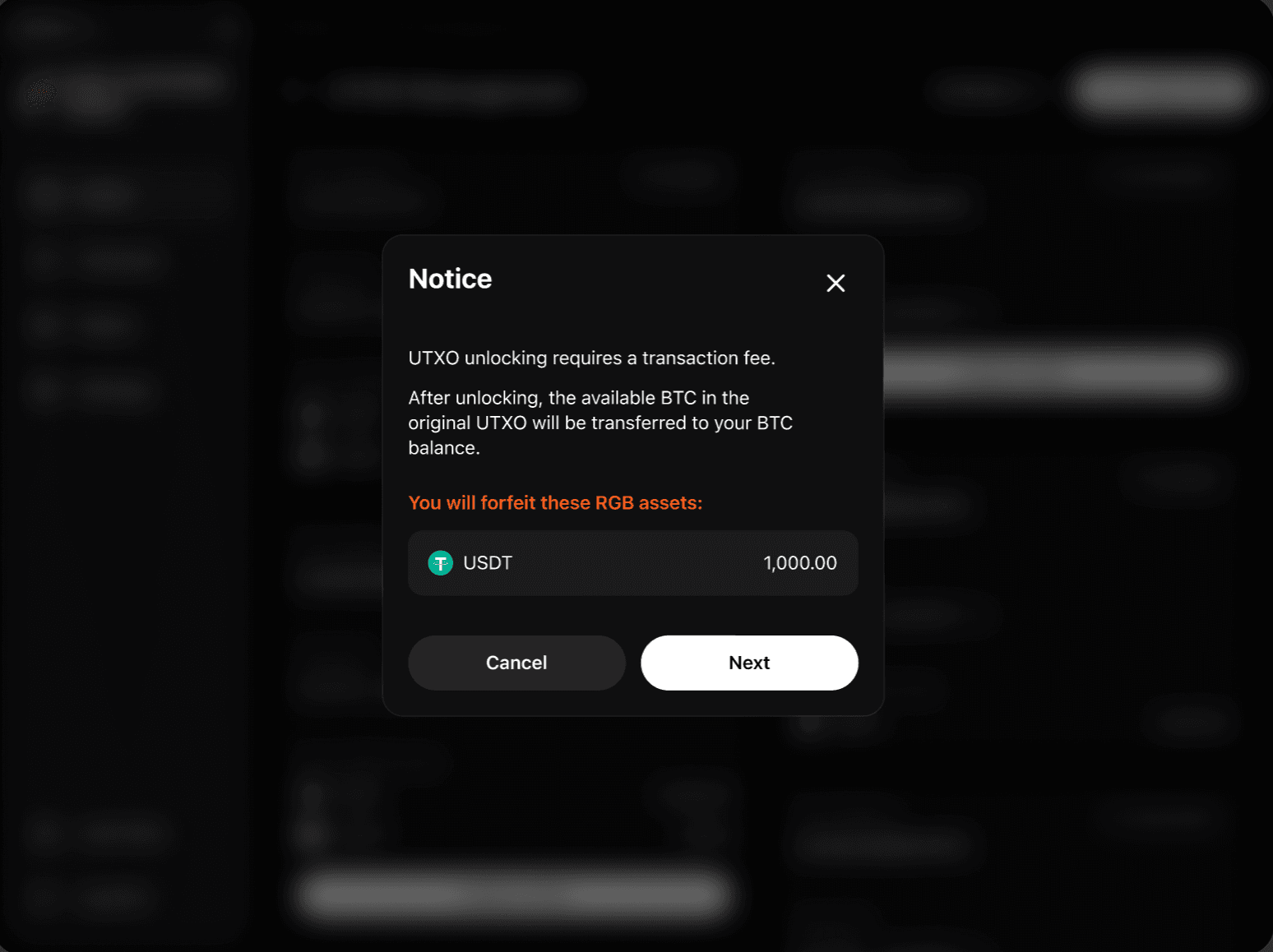
Click the unlock action.
-
After unlocking, the balance is returned to the original L1 asset balance.
9.3 Increase UTXO Balance
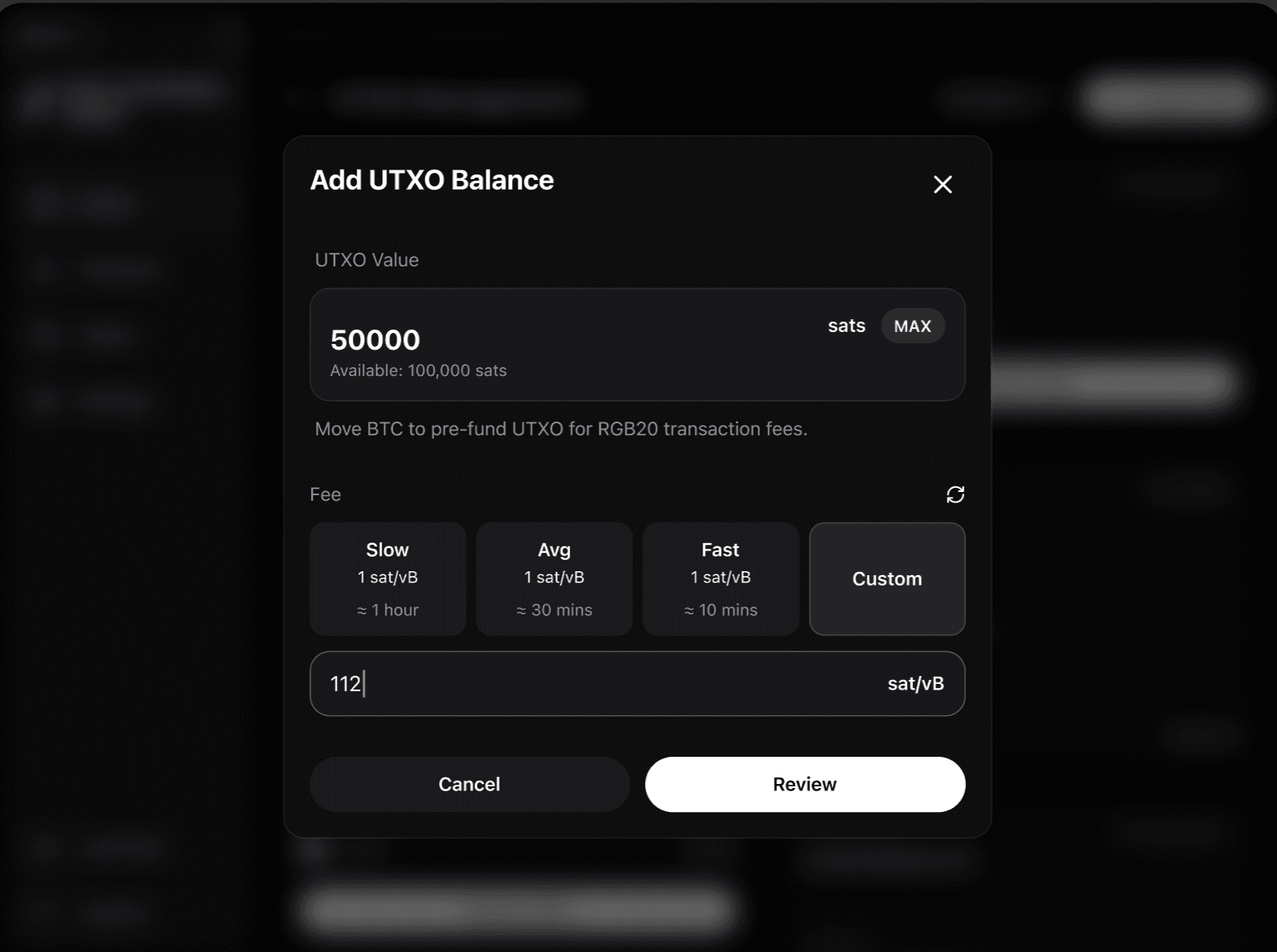
When an existing UTXO has insufficient capacity, you can add more balance to it to support future RGB operations.
-
In the
UTXO Managementpage, findAdd UTXO Balance. -
Enter the amount to add.
-
Confirm to complete the balance increase.