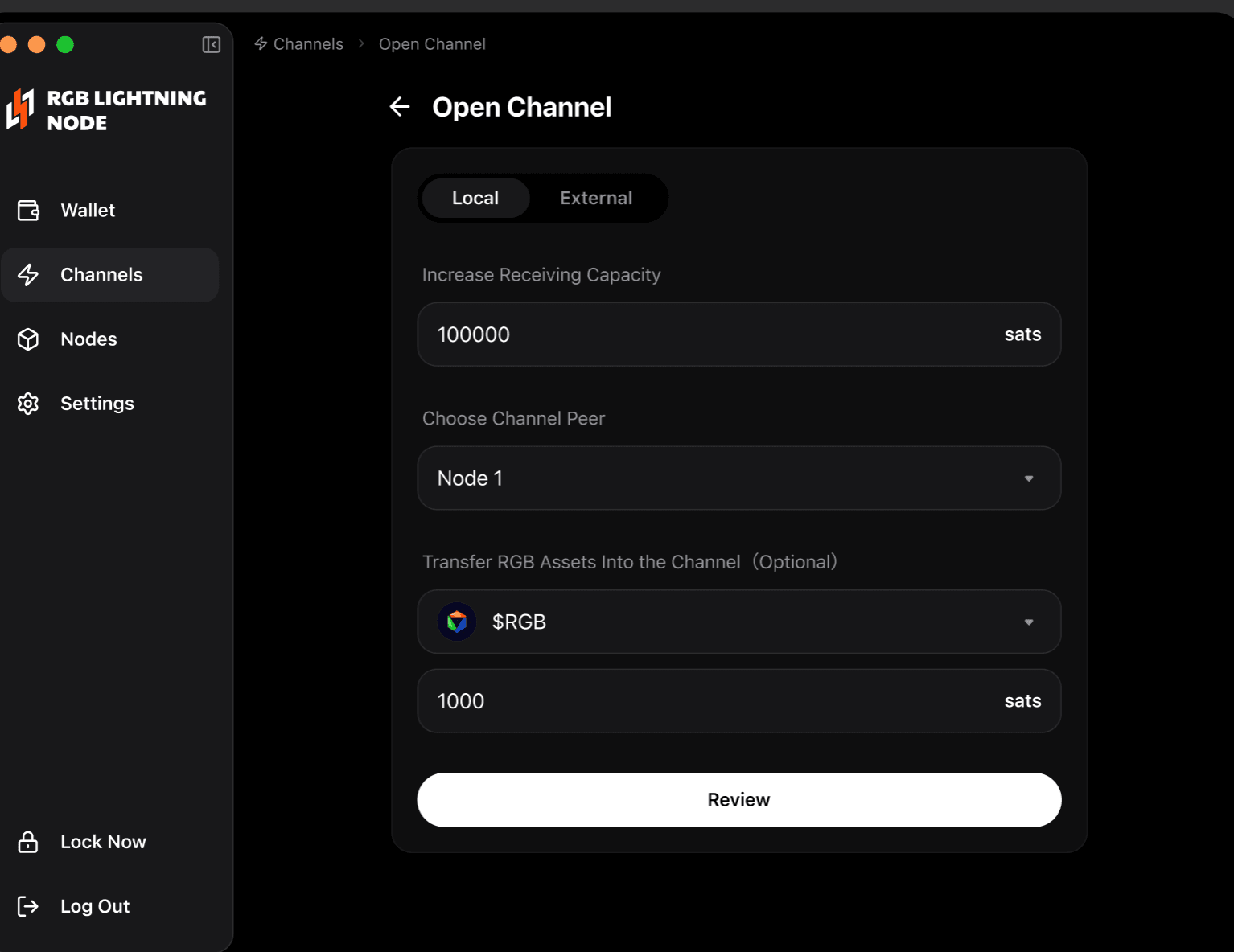
4. Open an RGB Lightning Channel
To make instant payments, you must first open a channel between two nodes.
-
On the channel list page, click
Open Channel. -
On the open channel page, enter Increase Receiving Capacity.
-
Choose a connected Channel Peer. If no connected node is available, return to the node page and add a peer. The client supports connecting local nodes, and multiple local nodes can be linked to each other.
-
Select an imported RGB asset and enter the amount, then click Review.
-
On the channel confirmation page, verify the channel details and click to confirm the channel opening.