1. Create a Wallet
Before using the application, you must create a wallet and complete the initial setup.
- On the welcome page, click
Local Node. - Select
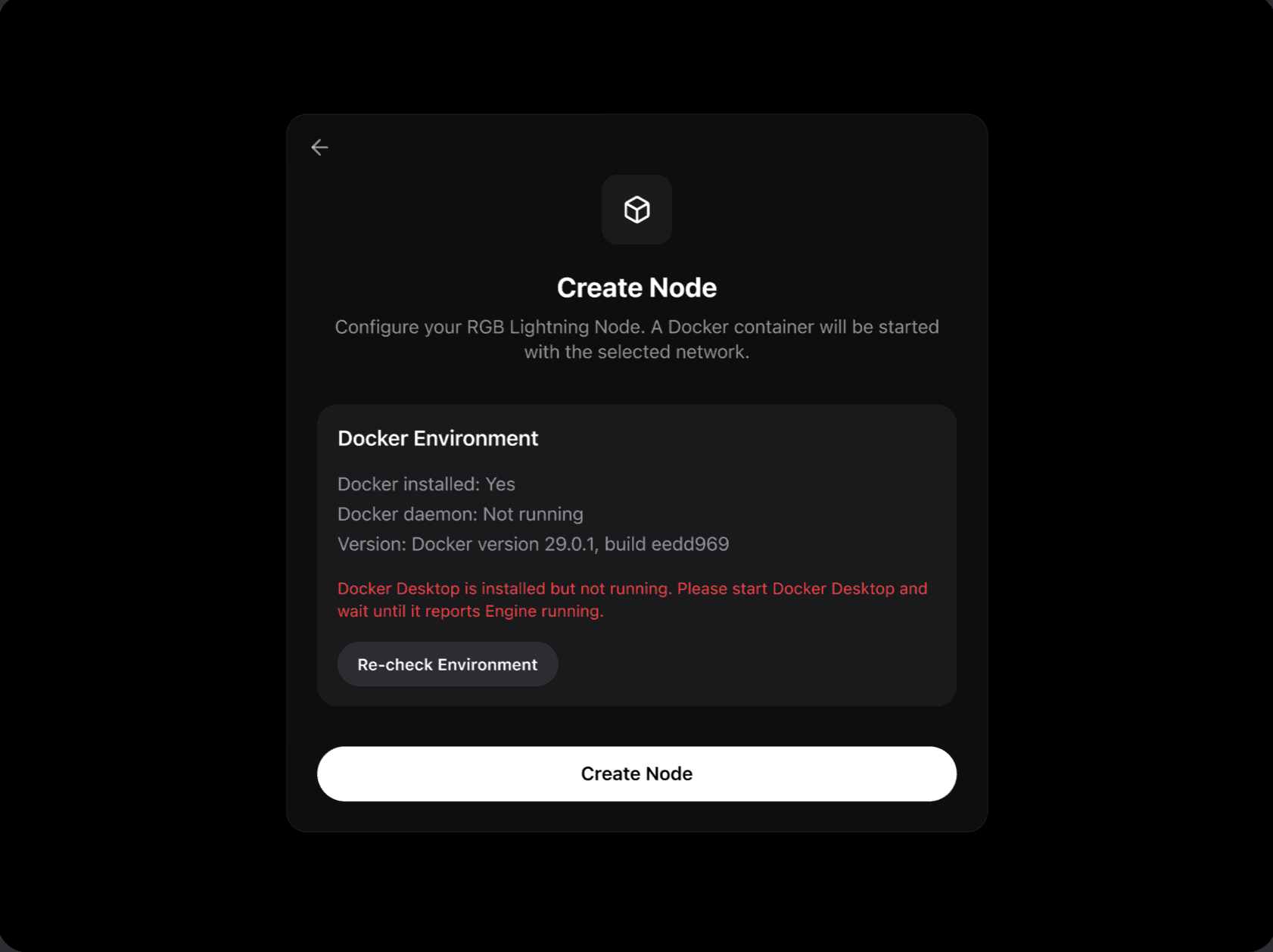
Create Wallet. - On the node setup page, enter a node name and select a network.
- On the password setup page, set a password. This password is used to unlock the wallet and encrypt the backup and recovery file.
- Start the local environment and wait about 2 minutes.
- When the environment is ready, the Recovery Phrase page appears. Back up the Recovery Phrase.
- Click
Enter Walletto open the wallet home page.