
RGB Lightning Node — RGB Asset Transfer Through an Intermediate Node
Overview
This guide demonstrates how to send an RGB asset between two nodes over the Lightning Network through an intermediate routing node.
In this example, Bob sends an RGB asset to Cc, with Alice forwarding the payment.
Prerequisites
Before you begin, ensure that the following requirements are met:
- The same RGB asset has been imported into all participating nodes.
- A routing node has been designated for the payment route.
- The sender's channel has sufficient local RGB asset balance to fund the payment.
- The routing node has sufficient balance to forward the payment.
- All channels in the payment route are configured as public channels.
Network Topology
The following topology is used throughout this guide.
| Role | Node |
|---|---|
| Sender | Bob |
| Routing Node | Alice |
| Receiver | Cc |
Payment Route
Bob ─────────► Alice ─────────► Cc
Step 1. Connect the Nodes
Establish node connections between:
- Alice ↔ Bob
- Alice ↔ Cc
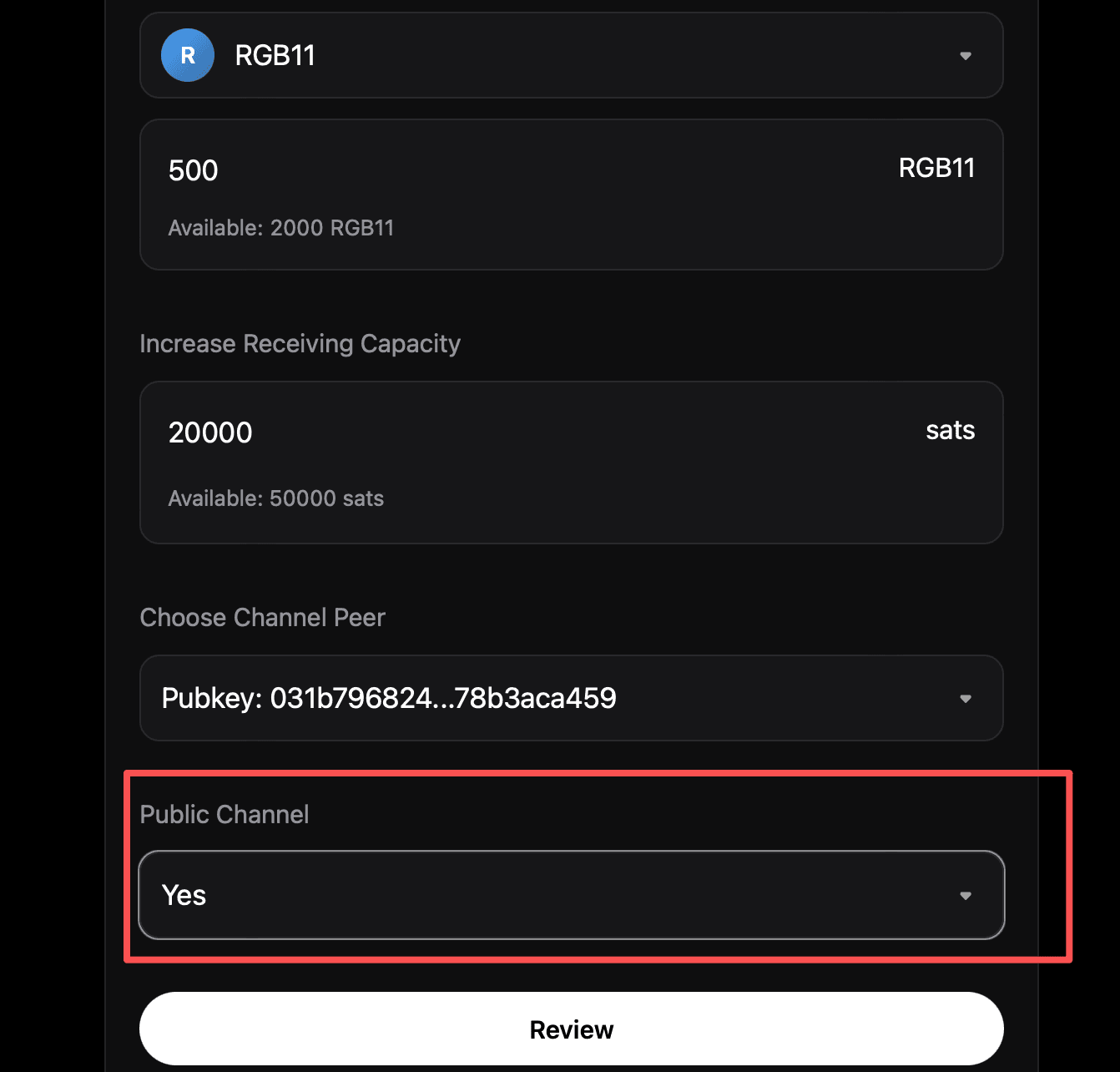
After the connections are established, open a public channel from Alice to Cc.
Note
If channel creation fails because the selected UTXO does not contain enough BTC, increase its BTC balance in UTXO Management and try again.
Step 2. Open the Sender Channel
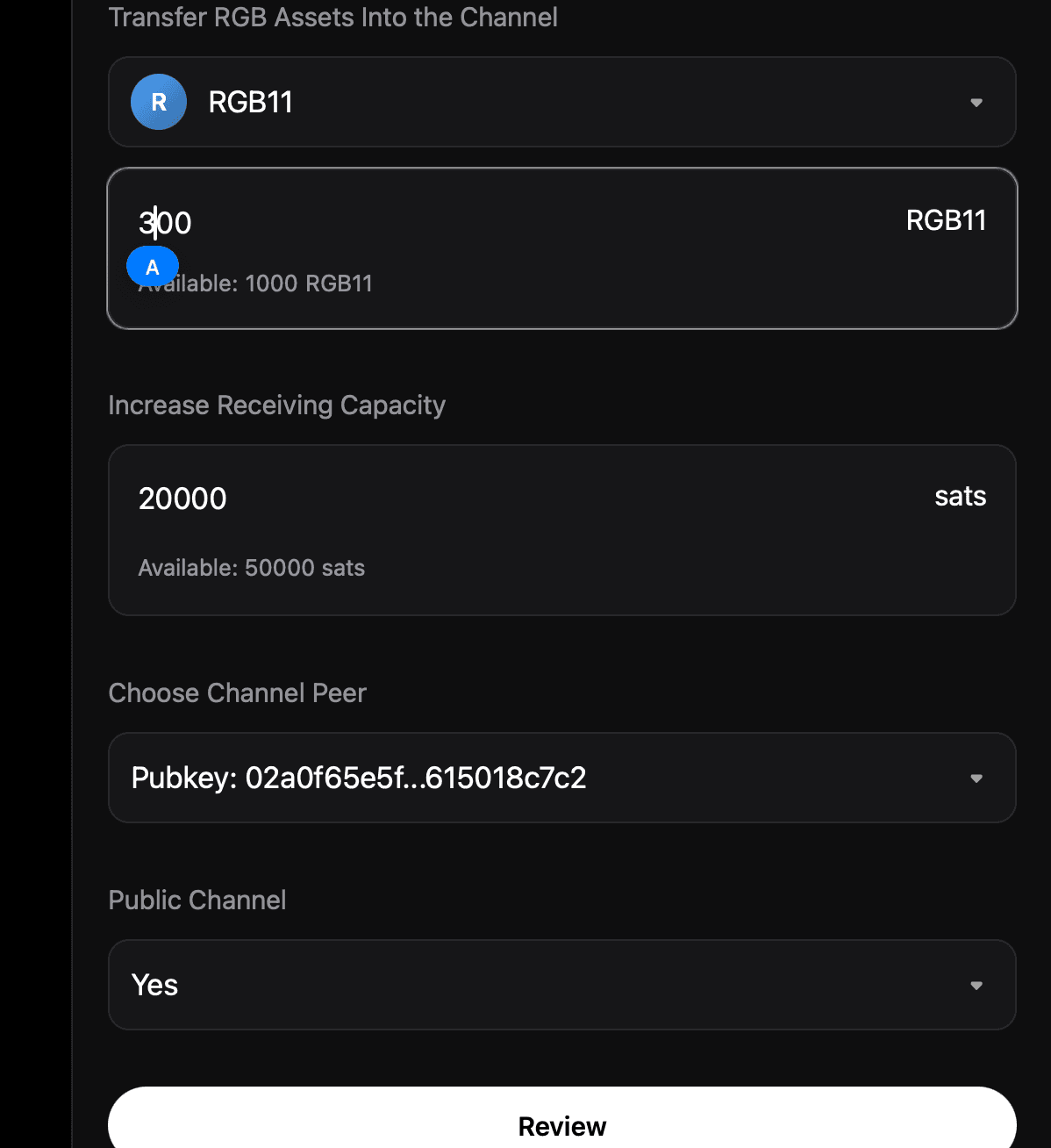
Open a public channel from Bob to Alice.
The sender's channel must contain sufficient local RGB asset balance. Otherwise, the payment cannot be initiated.
Step 3. Generate an RGB Invoice
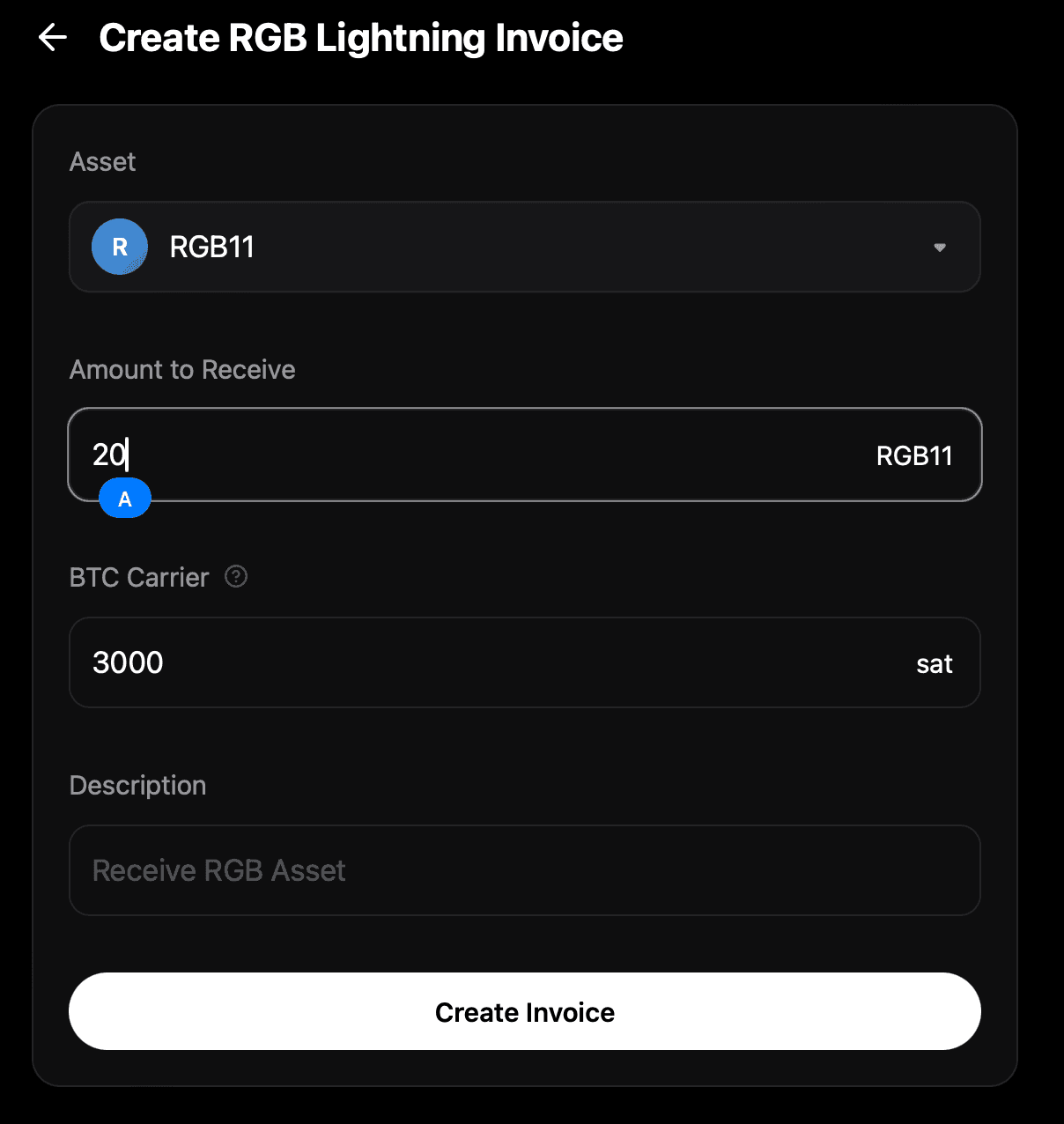
On Cc, generate an RGB invoice to receive the payment.
Step 4. Send the Payment
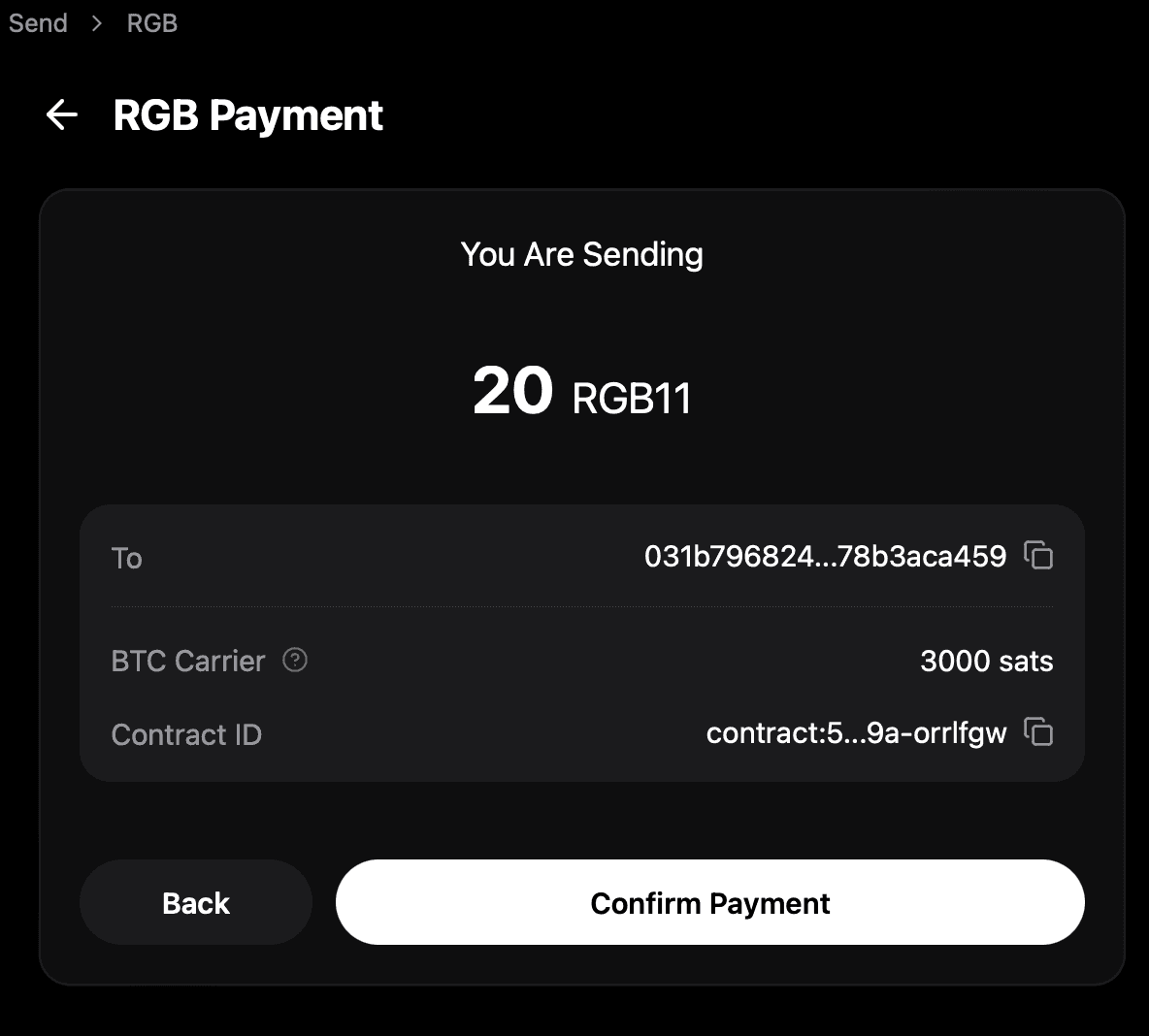
On Bob, pay the RGB invoice generated by Cc.
The payment is automatically routed through Alice and forwarded to Cc.
Step 5. Close the Routing Channel
After the payment has completed successfully, close the Alice → Cc channel.
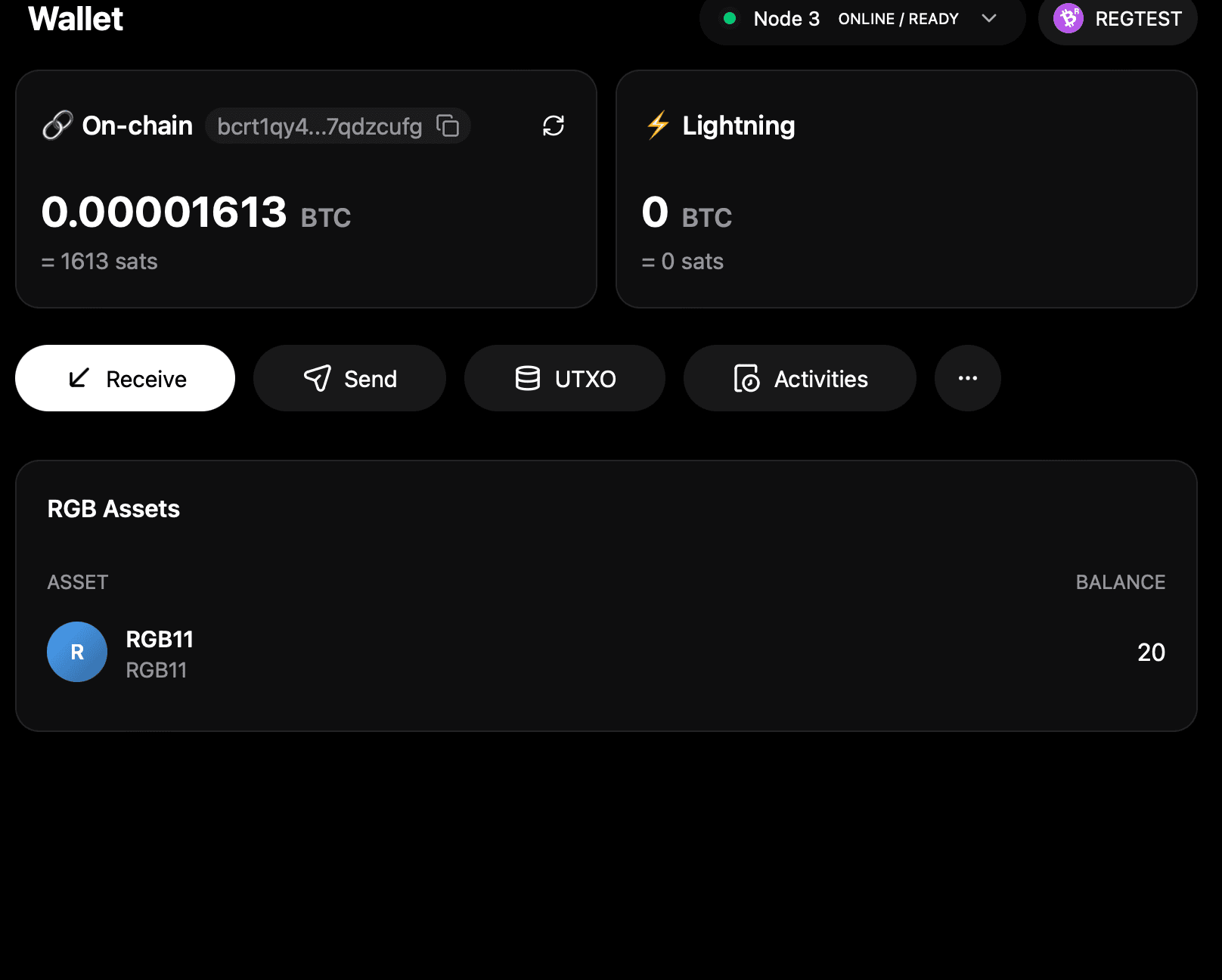
Once channel settlement is complete, the RGB assets are consolidated into the settlement UTXO and become available on Cc.
Result
Bob  ─────────►  Alice  ─────────►  Cc
     Payment Routed Successfully